Voice to Text Text to Voice PDF alternatives
Voice to Text to Voice PDF app enables users to talk to their friends and family members after converting their words into speech using advanced voice recognition features. You can change the background theme and color from the customization menu to get a new look.
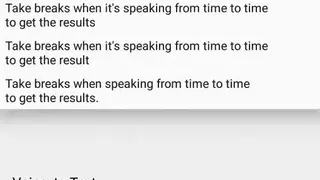
The app allows users to tap on the keyboard icon from the home screen to manually enter words and characters as well as they can select the option to convert their speech to text. You can change the number of played words and the volume of the narrator for each text file.
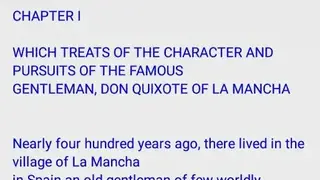
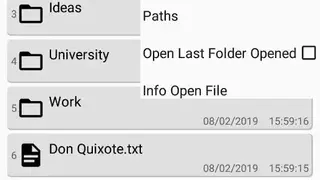
Users can open saved files to start editing right away and manage files by accessing the options many to delete a file. Voice to Text to Voice PDF app comes up with features through which you can sort the list of text files according to the title, type, date of creation, and the first letter of the name.