Auto-Complete Files Report for Outlook alternatives
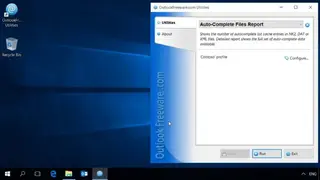
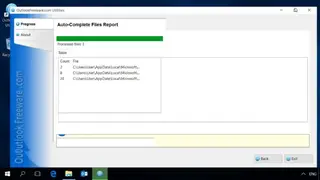
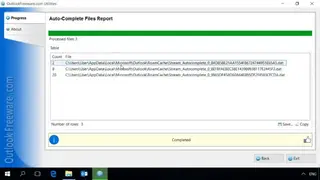
Auto-Complete Files Report provides you with a detailed autocomplete list of cache entries in XML, NK2, or DAT files. You can check the entire autocomplete data that exists. If all the Outlook contacts disappear or the mailbox is unavailable, you can easily retrieve a few addresses using this tool. Outlook saves a copy of message recipients in the AutoComplete lists whenever a message is sent by you. These lists help in the filling of recipients into Outlook email messages within an instant.
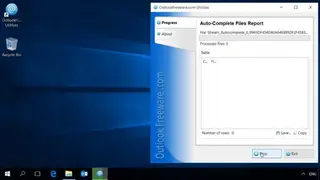
With the help of this straightforward tool, you can get a complete contact list from the Auto-Complete List files. In older versions of Outlook, the lists are saved in NK2 files. From Outlook 2010 and beyond, the lists are kept in DAT files, mailboxes, and PST files for compatibility with apps that are older. You can extract a list of email addresses, names, and contacts from these files. This report is saveable in a CSV file for reopening in Excel. The report makes use of the default Outlook data folder for displaying the number of items in the AutoComplete files. In advanced mode, the report shows each and every contact saved in each file.