Import Contacts from Auto-Complete Files alternatives
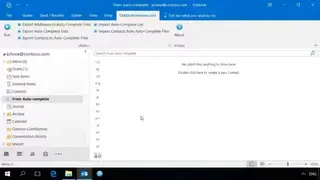
Import Contacts from Auto-Complete Files is a powerful, easy-to-use, and high-performance utility that enables you to import Outlook contacts from XML, NK2, or DAT autocomplete list cache files into the folder of your choice. Due to unsuccessful data transfer or errors, essential contacts in Outlook contact folders may be lost. Even though contacts are out of reach, a few of them can still be brought back by using this utility.
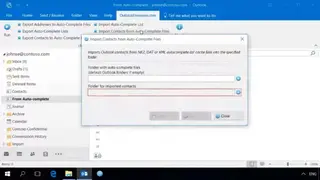
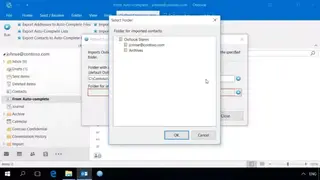
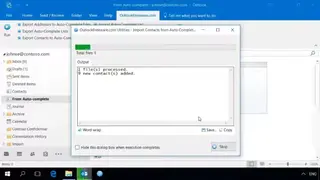
The function of this solution is to create Outlook contacts from Auto-Complete Lists. If you don’t specify the folder, the utility will utilize the standard folder having Outlook data files for the primary user. The specified contact folder will be used for the purpose of keeping any found contacts in XML, NK2, DAT Auto-Complete files. The utility will also scan to ensure no duplicates are moved during the importing process. In the case of multiple Auto-Complete List files, you will get the choice to build individual contact folders to store each AutoComplete file. In this scenario, several subfolders will be allocated within the target directory having the same name as imported files.