Home Office & Productivity Tool
FormulaDesk FormulaSpy alternatives
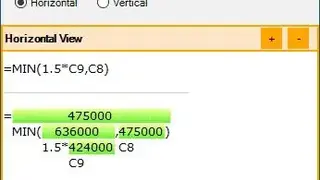
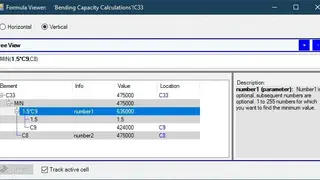
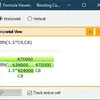
FormulaDesk FormulaSpy is an Excel add-in that helps you troubleshoot and visualize formulas in Microsoft Excel. The User Interface consists of a vertical view and a horizontal view. The vertical view shows a formula in a tree-like structure representing components of the formula. You can expand and collapse these parts with a single click. The horizontal view is responsible for displaying the outcome/results of each component of the formula so you can check the result calculation.
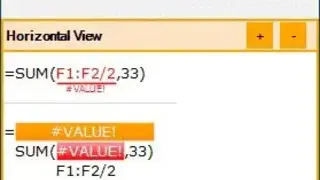
Similar to the vertical view, the vertical view can also be expanded and collapsed by left-clicking the green color bar. The difference between FormulaSpy and Excel is that Excel only informs about the error, while FormulaSpy gives its full location to help you save time. It includes a Style Explorer that shows the details of all the styles being used in Excel files.
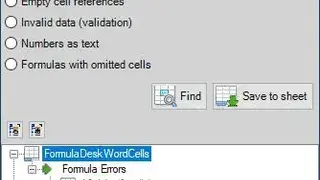
The Explorer Window reveals styles along with variations to help you track its usage. Click on any style, and it will tell the name of the cells that are using it. This functionality enables everyone to check if there is a problem with a pattern. Lastly, it provides a Workbook Detective that displays invalid data, errors, comments, data connections, and external links in a single viewable window.