Home Education & Reference Tool
Geometry Pad alternatives
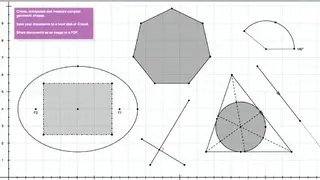
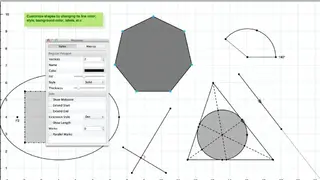
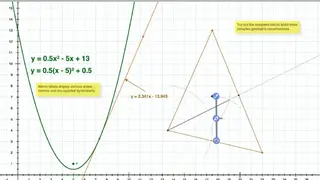
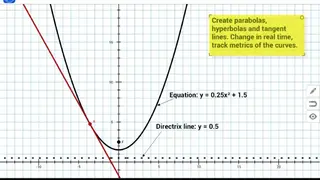
Geometry Pad is a handy app that provides you with the tools to create geometric shapes, browse, modify their properties and determine metrics. It is available for installation on Mac and iPad devices. It uses a zoomable and scrollable workbook with a rectangular coordinate system for the display of shapes. It comes packed with many tools such as hyperbola, point, parabola, angle, ellipse, polygon, sector, segment, circle, perpendicular bisector, arc, tangent, and line.
Besides these tools, you can also create bisectors, medians, and altitudes in a triangle, as well as special triangles and quadrilaterals such as rhombus, right, parallelogram, square, isosceles, and equilateral. It also provides multiple other methods for creating an ellipse, such as through the center, a point on the ellipse, the end of a major axis, and focus points. You can add images into the document, utilize various transformation tools like translation, rotation, enlargement, and reflection, draw freehand annotations using the Pencil tool, and easily plot arcs via the compass tool.