Snip & Sketch alternatives
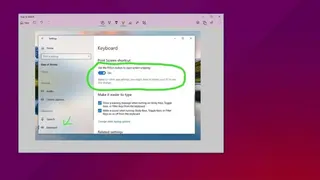
Snip and Sketch is the screenshot capturing tool that allows the users to take screenshots of the open windows, rectangular areas, or full computer screens. In order to enable the sniping and sketching tool simply press the “Window logo key + SHIFT + S” to open the snipping toolbar of Snip and Sketch. Another method to enable the Snip and Sketch option is that type “Snip and Sketch” on the lower-left corner and then choose the option of the Snip and Sketch tool.
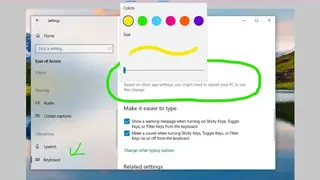
Windows 11 provide the facility of merging both the applications of “Snip and Sketch” and “Snipping Tool” into a single redesigning application. It can easily be downloaded directly from the Microsoft Store. It has the ability to quickly annotate screenshots, photos, and other images directly from the pen, touch, or mouse and then save, paste, and share it with other applications.